Web Harmonium Mobile
Use this page if you searched for web harmonium mobile, web harmonium for phone, or online harmonium for mobile. WebHarmonium works in a browser, so you can tap the harmonium keys directly on a phone or tablet without installing an app.
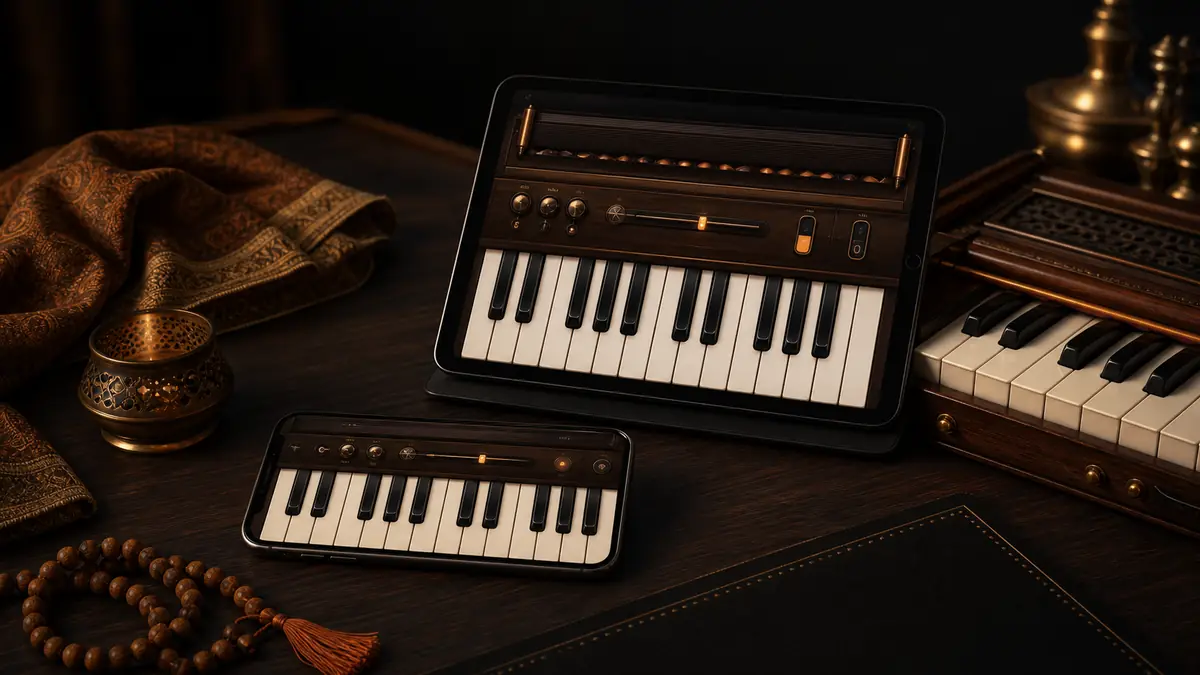
Open the player here: Play WebHarmonium on mobile.
Quick answer
- Phone: good for quick pitch checks and short phrases
- Tablet: better for touch practice because the keys are wider
- Laptop: best for full shortcut practice
- No app needed: use the browser version
How to play WebHarmonium on phone
- Open WebHarmonium in your mobile browser.
- Tap one visible key to unlock audio.
- Use touch input instead of laptop shortcuts.
- Keep phrases short at first.
- Rotate to landscape if you want more key width.
The phone version is best for quick practice, checking Sa, testing a melody idea, or reviewing a note pattern away from your laptop.
How to play WebHarmonium on tablet
Tablet is the strongest mobile setup because the screen gives you more room for the keybed.
Use tablet mode when you want:
- larger touch keys
- a music-stand style setup
- short riyaz sessions
- visible notes while practicing
For longer sessions, a laptop or MIDI keyboard still gives better control.
Mobile browser tips
Tap once before expecting sound
Mobile browsers often block sound until the first tap.
Use landscape mode
Landscape gives the keybed more horizontal space and makes upper notes easier to hit.
Keep drone volume controlled
Drone is useful, but on phone speakers it can feel strong. Use headphones or lower volume.
Avoid long shortcut expectations
Laptop shortcuts are for physical keyboards. On phone, touch the visible keys.
Web harmonium mobile vs app
A mobile app can be useful if you want offline storage or native controls. A web harmonium is better when you want:
- one URL that works everywhere
- no app-store install
- quick access from any device
- easy sharing with students or friends
- the same note map as desktop
What to practice on mobile
Pitch check
Tap Sa, then sing or hum against it.
Short Sargam pattern
Sa Re Ga Ma
Ma Ga Re Sa
Song phrase review
Use mobile for small phrase review, then move to laptop for longer song practice.
FAQ about Web Harmonium mobile
Does WebHarmonium work on iPhone?
Yes. Open the page in Safari or another modern browser and tap a key once to start audio.
Does it work on Android?
Yes. Chrome and other modern Android browsers can play the touch keyboard.
Is mobile as good as laptop?
Mobile is good for quick use. Laptop is better for full keyboard shortcuts and longer practice.
Do I need a harmonium app?
No. The web version works directly in your browser.