Laptop Harmonium Notes
Use this page when you searched for laptop harmonium notes, laptop harmonium keys, or how to play harmonium on laptop. It keeps the note map practical: which laptop key plays which Sargam note, what to practice first, and how to move from note lookup into actual playing.
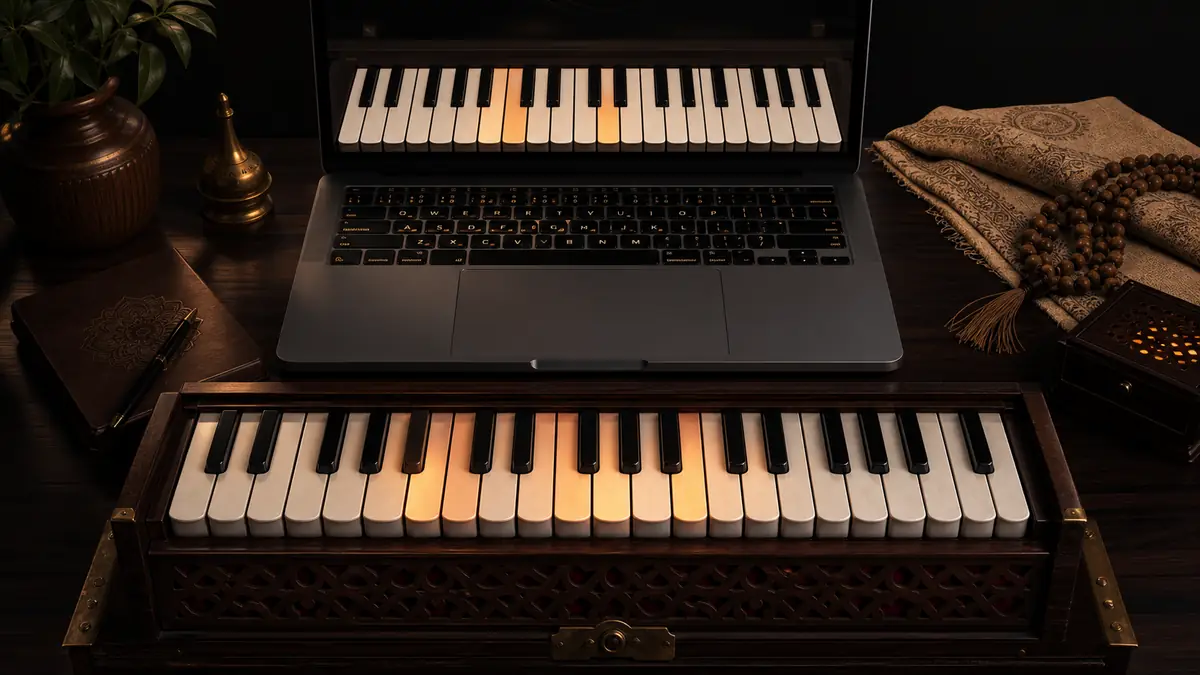
Open the live player here: Play WebHarmonium.
Quick answer
- White-row laptop harmonium notes:
` q w e r t y u i o p [ ] \ - Black-row laptop harmonium notes:
1 2 4 5 7 8 9 - = - Best first notes: Sa, Re, Ga, Ma, Pa
- Best companion guide: Laptop Harmonium for the full setup flow
Laptop harmonium notes chart
The white row is the main Sargam path. Start here before using altered notes.
| Laptop key | Sargam note | Western pitch | Beginner role |
|---|---|---|---|
` | Sa | G4 | home note |
q | Re | A4 | second |
w | Ga | B4 | third |
e | Ma | C5 | fourth |
r | Pa | D5 | fifth |
t | Dha | E5 | sixth |
y | Ni | F5 | seventh |
u | Sa2 | G5 | upper tonic |
i | Re2 | A5 | upper second |
o | Ga2 | B5 | upper third |
p | Ma2 | C6 | upper fourth |
[ | Pa2 | D6 | upper fifth |
] | Dha2 | E6 | upper sixth |
\ | Ni2 | F6 | upper seventh |
Black-key laptop harmonium notes
Use these after the white-row notes feel stable.
| Laptop key | Sargam note | Western pitch | Type |
|---|---|---|---|
1 | re | G#4 | komal Re |
2 | ga | A#4 | komal Ga |
4 | Ma+ | C#5 | tivra Ma |
5 | dha | D#5 | komal Dha |
7 | ni | F#5 | komal Ni |
8 | re2 | G#5 | upper komal Re |
9 | ga2 | A#5 | upper komal Ga |
- | Ma+2 | C#6 | upper tivra Ma |
= | dha2 | D#6 | upper komal Dha |
First 5-minute laptop harmonium practice
Minute 1: Find Sa
Press ` and listen to Sa. Do not rush into the whole keyboard yet.
Minute 2: Add Re and Ga
Play:
Sa Re Ga
` q w
Then return:
Ga Re Sa
w q `
Minute 3: Add Ma and Pa
Play:
Sa Re Ga Ma Pa
` q w e r
Then return:
Pa Ma Ga Re Sa
r e w q `
Minute 4: Touch the upper tonic
Play:
Pa Dha Ni Sa2
r t y u
This helps you understand why the online keybed runs beyond one small octave.
Minute 5: Repeat without looking down
Look at the on-screen notes, not your laptop keyboard. The goal is to connect Sargam, sound, and finger motion.
Laptop harmonium code and shortcut logic
Some people search for laptop harmonium code because they want the shortcut pattern. The logic is simple:
- lower computer row for main white notes
- number row for black notes
- left side for lower notes
- right side for upper notes
That keeps laptop harmonium notes easier to remember than a random mapping.
Common problems
The key makes no sound
Click one visible harmonium key first. Browsers often block audio until the page receives a user action.
Keyboard shortcuts stopped after using volume
Click back on the harmonium keybed. Sliders can take keyboard focus, so typed notes may stop reaching the instrument.
Pa2, Dha2, or Ni2 are hard to press
On some laptop layouts, [, ], and \ are awkward. Use the on-screen keys for those notes until the map feels natural.
FAQ about laptop harmonium notes
What are the easiest laptop harmonium notes for beginners?
Start with Sa, Re, Ga, Ma, and Pa. On WebHarmonium that is ` q w e r.
Are laptop harmonium notes the same as piano notes?
The keyboard spacing is inspired by piano-style white and black notes, but this page teaches the map through Sargam because that is how most harmonium learners think.
Should I learn black-key notes immediately?
No. Learn the white-row path first, then add one altered note at a time.